keine Produkte im Warenkorb
New Launch! Jupiter 2.0 - Die nächste Generation der WordClock ist hier - neue Technologie, mehr Leuchtkraft, mehr Zukunft.
App
Sofort verbunden über Bluetooth – die neue Generation der WordClock macht die Einrichtung einfacher als je zuvor.
Mit der kostenlosen Build-Yours App lässt sich die WordClock bequem über Smartphone oder Tablet steuern. Die App ist im App Store und im Play Store erhältlich.
Drei übersichtliche Modi bieten zahlreiche Funktionen – von Farbwechseln und Nachtmodus über Dialektauswahl bis hin zu Spezialeffekten und Partymodus.
Regelmäßige Updates halten die App aktuell, erweitern den Funktionsumfang und sichern ein modernes Nutzungserlebnis. Kompatibel mit WordClock Jupiter und BoxClock.


Installiere Wordclock Jupiter
1. Richte die Build-Yours-App ein – Verbindung der WordClock Jupiter


Schritt 1:
Standortzugriff
gewähren

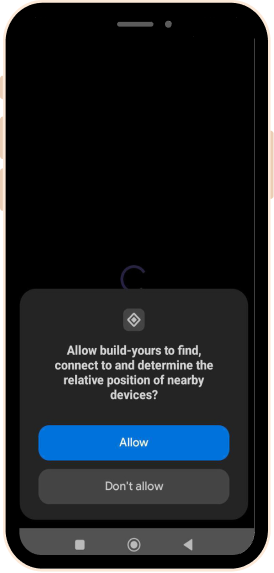
Schritt 2:
Geräteerkennung
zulassen
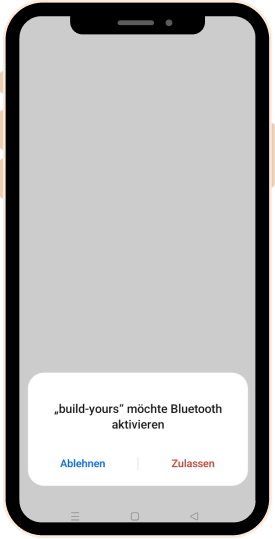
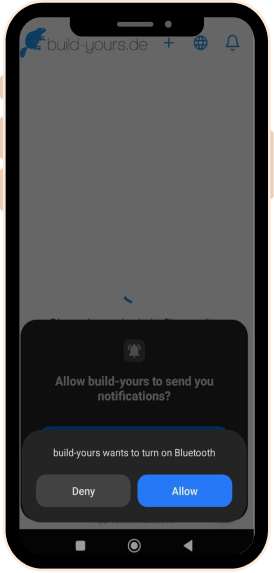
Schritt 3:
Bluetooth-
Verbindung
aktivieren
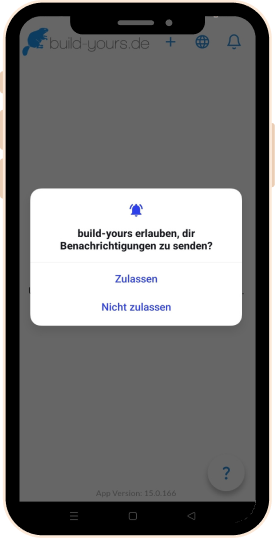
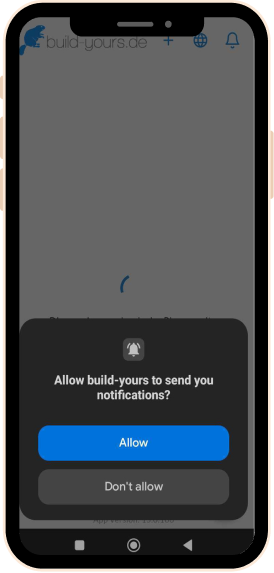
Schritt 4: App-Benachrichtigungen zulassen (optional)
Pro-Tipp: Verbinde dein Smartphone zuerst mit dem Heim-WLAN. Erlaube der App alle benötigten Zugriffe und achte darauf, dass Router, Smartphone und WordClock bei der ersten Einrichtung nah beieinander sind.
2. Die Uhr ist nun über Bluetooth verbunden – wähle jetzt dein WLAN aus und gib das Passwort ein.

Du bist über Bluetooth verbunden.


Wähle dein Heim-WLAN-Netzwerk aus.

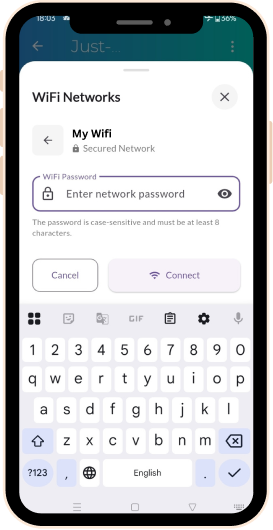
Gib dein Passwort ein und du bist startklar!
Ältere Jupiter Modelle & Boxclock
Für ältere Modelle und Boxclock, befolge diese Schritte, um sie zu verbinden.

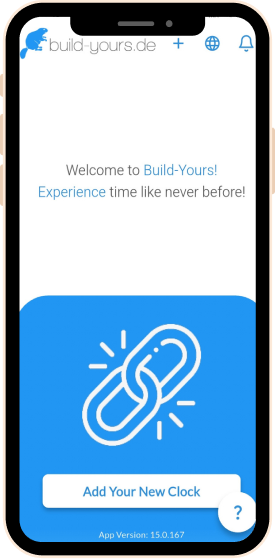
build-yours App öffnen und Uhr hinzufügen


WLAN öffnen und den Hotspot der Uhr wählen (Wordclock_1234567)
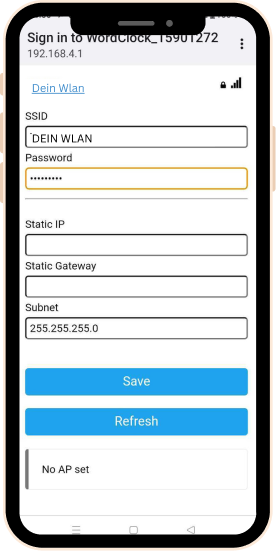
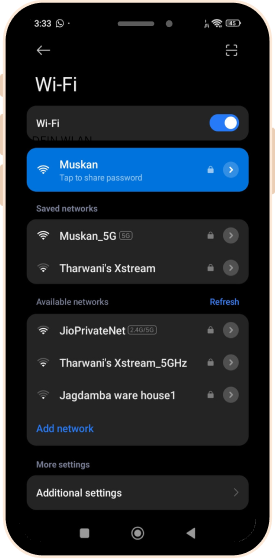
WLAN Name und Passwort eingeben

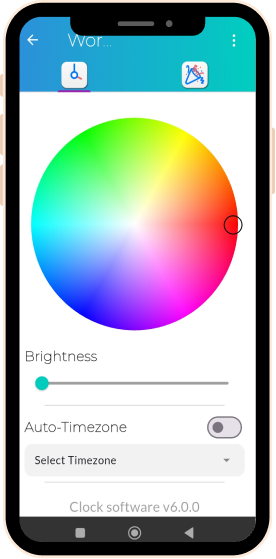
Wortuhr ist verbunden und steuerbar mit der App
Einstellungsmenü
Menü-Übersicht
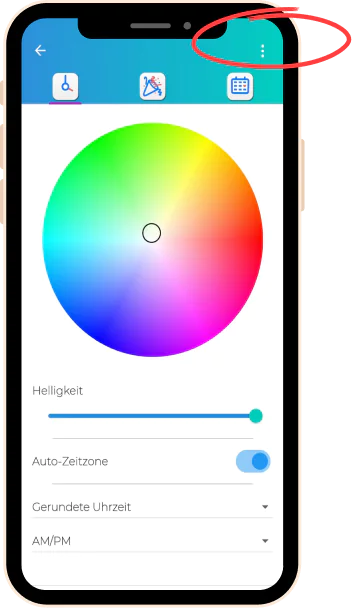
Klicke auf die drei Punkte, um weitere Optionen anzuzeigen
Reiter „Symbol Matrix“
Reiter „Partymodus“
Reiter „Zeit - und Anzeigeeinstellungen“
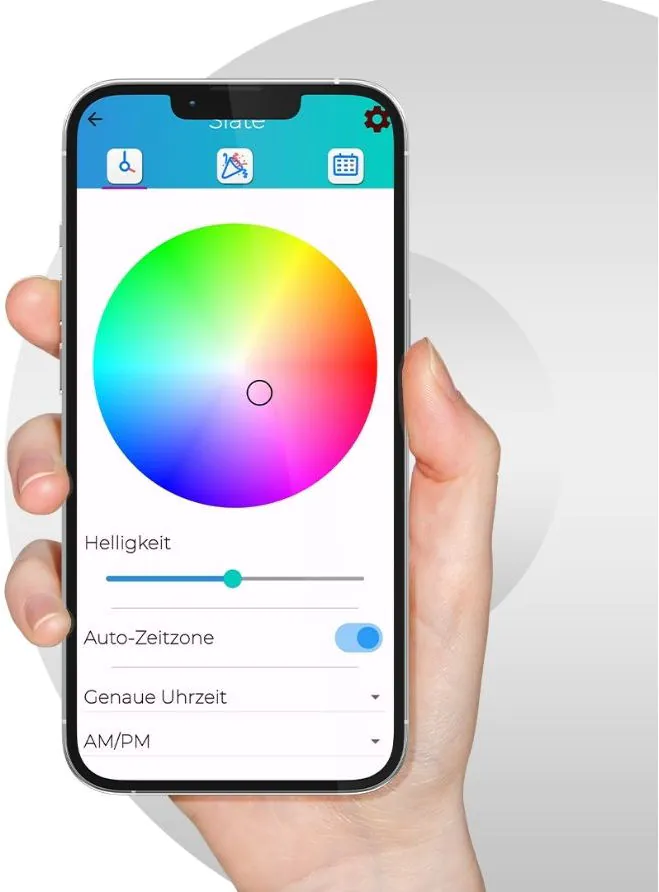
Zeit - und Anzeigeeinstellungen
Farbauswahl
Wähle die Farbe der Buchstaben aus über 16 Millionen Farbtönen - einfach mit dem Farbrad auf die gewünschte Farbe stellen und die Zeit in der Lieblingsfarbe erstrahlen lassen.
Helligkeitseinstellung
Stelle die Helligkeit der LED Anzeige ein, um für das perfekte Licht in jeder Umgebung zu sorgen.

Auto-Zeitzone-Einstellung
Synchronisiert die Zeitzone der WordClock automatisch für eine präzise Zeitangabe.

Dialekt Auswahl
Stellt die Uhrzeit im gewünschten regionalen Dialekt dar, wie z.b “Dreiviertel” oder “Viertel vor”
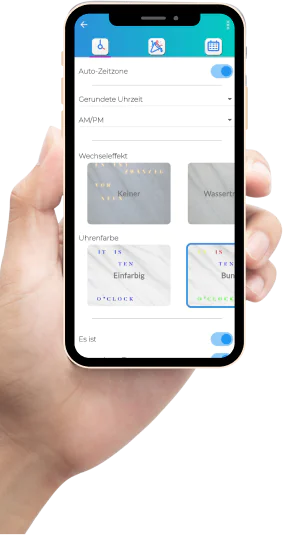
Gerundete Zeit / Exakte Zeit
“Gerundete Zeit” wechselt in der Mitte der 5 Minuten Abstände, während “Exakte Zeit” es ganz genau nimmt.

Wechseleffekt
Wähle aus einer Vielzahl animierter Effekte für die Anzeige – Abwechslung garantiert.

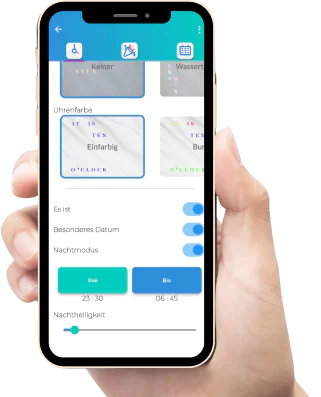
Uhrenfarbe
Wähle zwischen einfarbigen oder mehrfarbigen Wörtern oder wechselnde Farben über den Tag verteilt.

„Es ist“-Option
Schalte die Anzeige „Es ist“ je nach Wunsch ein oder aus.

Nachtmodus
Aktiviere den Nachtmodus für gedämpftes Licht – für erholsamen Schlaf und energiesparenden Betrieb.

Partymodus







Partymodus
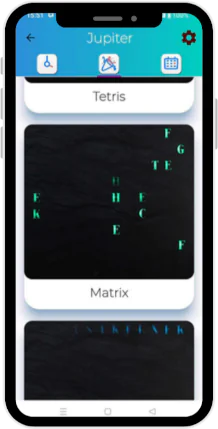
Eine besondere Funktion
Starte die Party mit dynamischen Farbwechseln und Effekten, die deine Feier stimmungsvoll untermalen.
Symbol Matrix
Symbol Matrix
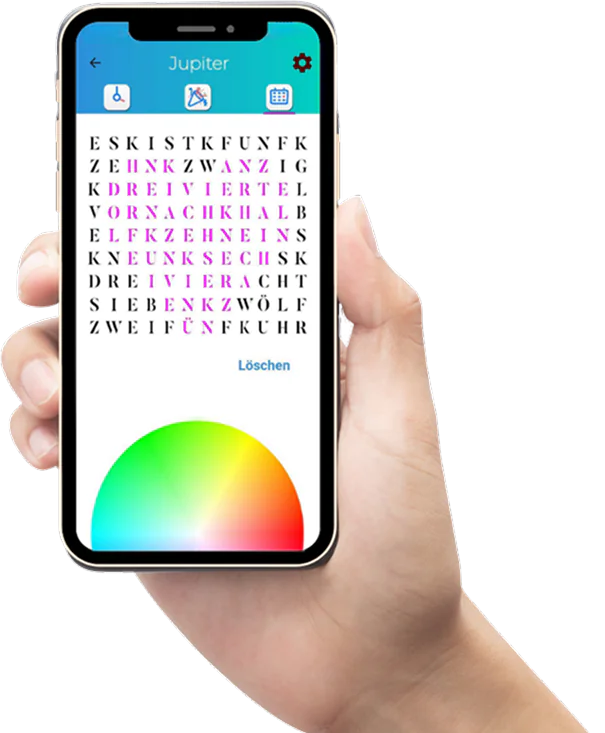
Gestalte deine eigenen Symbole
Mit der Symbol Matrix wird deine WordClock Jupiter noch persönlicher. Entwirf eigene Zeichen, Muster oder kleine Motive direkt in der App und lass sie auf deiner Wortuhr leuchten.
Ob Herz, Stern, Initialen oder ein individuelles Symbol – die LED-Matrix bringt deine Ideen sichtbar auf die Uhr und macht die WordClock zu einem echten Unikat.



Erweiterte Einstellungen
Software- und App-Updates
Hol dir die neuesten Features für deine WordClock!
Bleibe auf dem neuesten Stand mit regelmäßigen App Updates
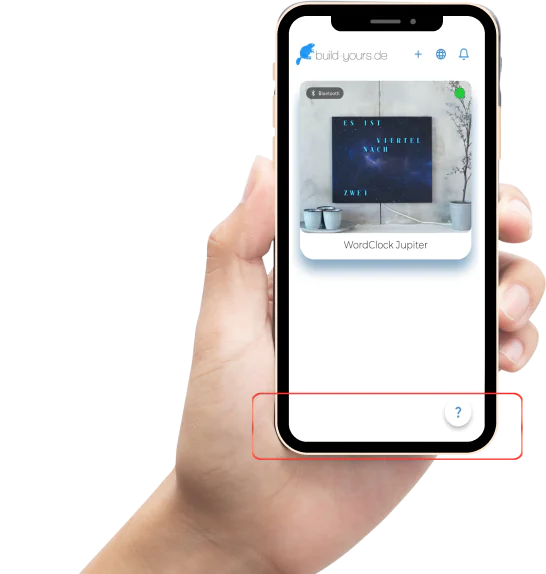
App-Softwareversion 15.0.261
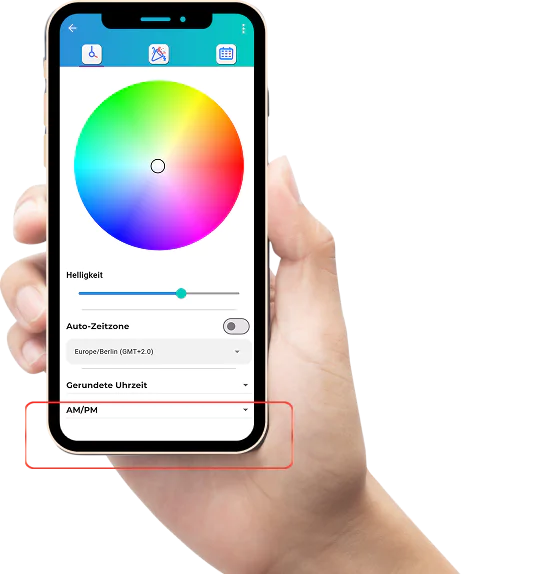
Uhr-Softwareversion 6.1.26
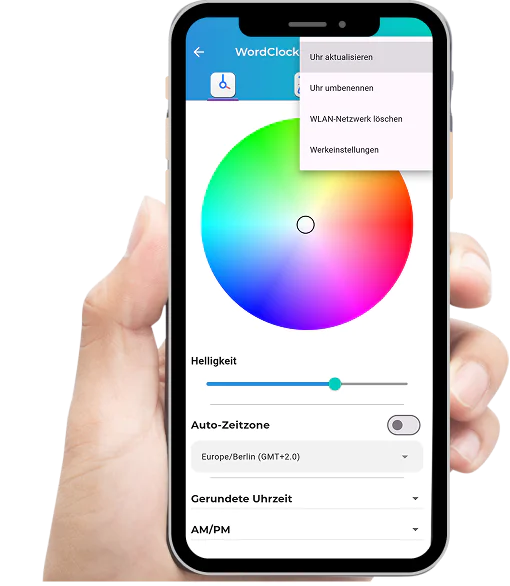

Uhr aktualisieren - Update der Clock-Software auf den neuesten Stand.
Uhr umbenennen – passe den Namen beliebig an.
WLAN-Netzwerk löschen – Verbindung zum WLAN Router trennen.
Werkeinstellungen – setzt die Uhr auf Standardeinstellungen zurück.